Room Renovation & Interior Staging Slider
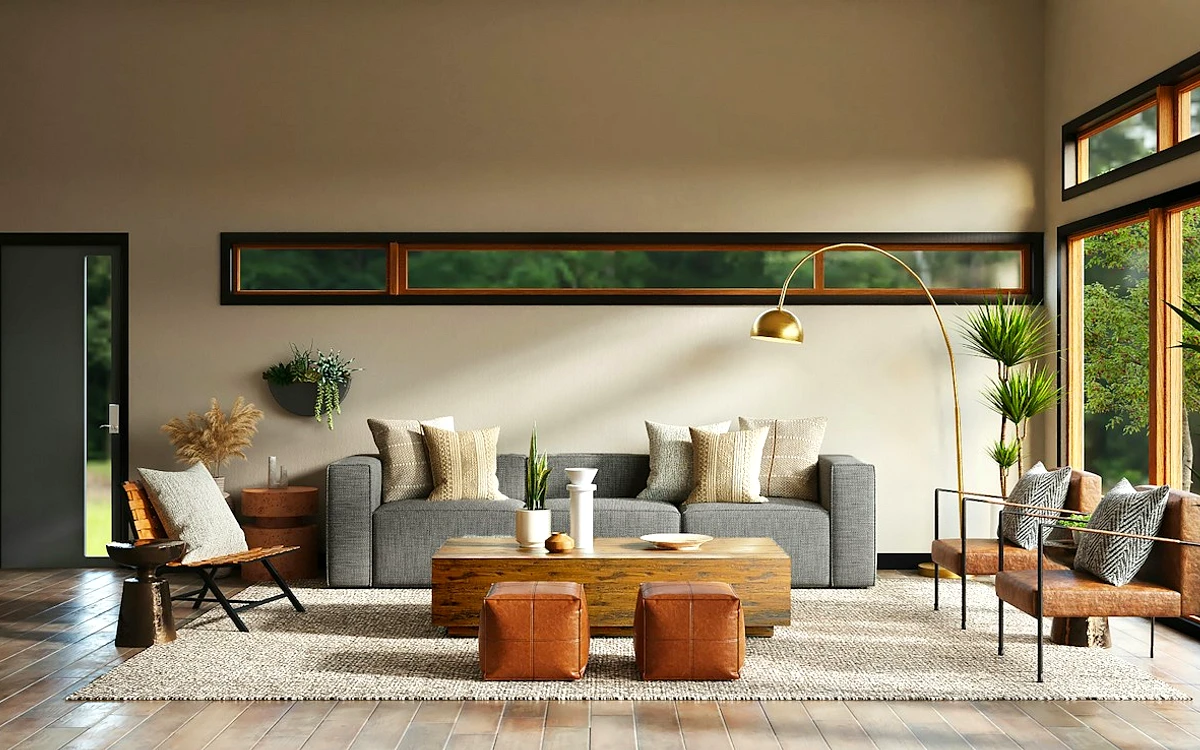
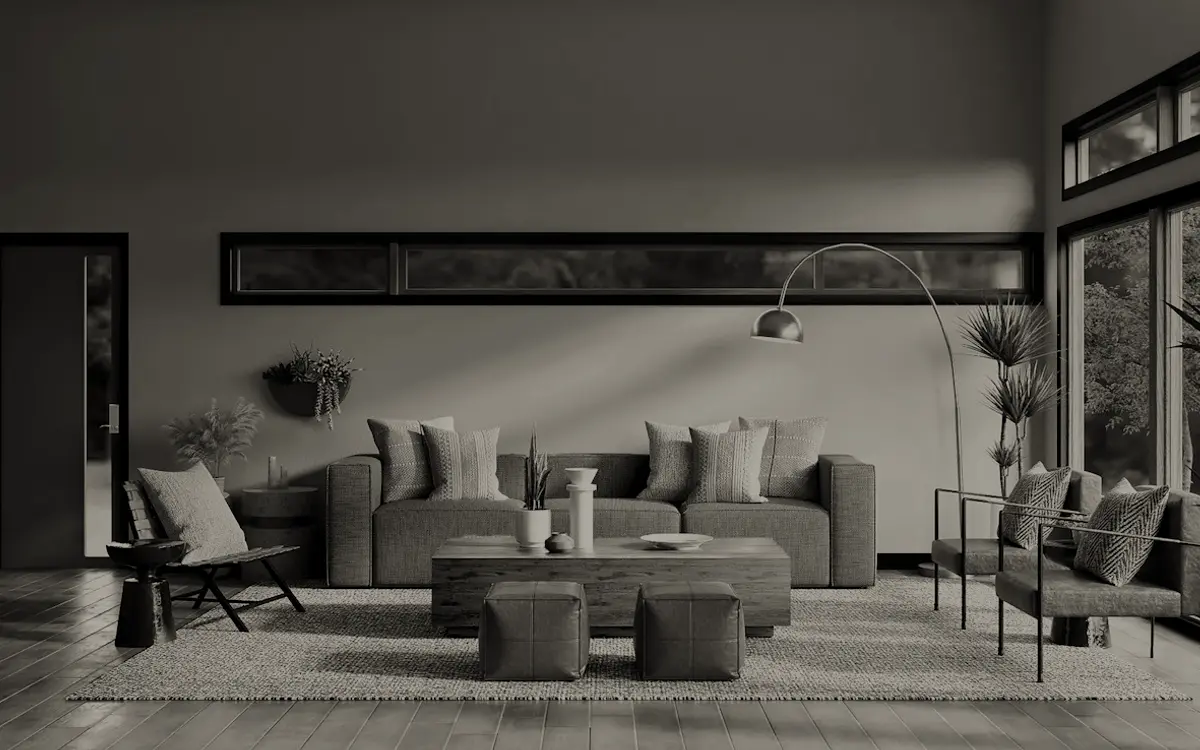
From dusty concrete pre-construction to fully staged luxury interior. Drag the slider to inspect structural finishes and spatial design.
Create Your Own Room Renovation Comparison Slider
Have your own baseline and result photos? Drag & drop your 2 images directly into DiffSlider to generate a 60 FPS interactive before/after slider or download a vertical video for social media.
📋 Embed This Room Renovation Slider on Your Website
Copy and paste into WordPress, Shopify, Webflow, Squarespace, or custom HTML.
How to Create a Room Renovation Comparison with DiffSlider
Create your own interactive 60 FPS before-and-after slider in under 60 seconds. Export high-definition vertical MP4 videos for TikTok and Instagram Reels, or embed responsive widgets directly on your website.
Upload Before & After Photos
Drag & drop your baseline photo (Pre-Construction Bare Shell) and result photo (Staged Penthouse Interior) into DiffSlider. Supports PNG, JPG, WebP, and AVIF up to 32MB each.
Inspect with 1600% Sub-Pixel Zoom
Drag the 60 FPS divider to evaluate changes. Switch effortlessly between Split Slider, Side-by-Side, Fade Overlay, and Difference Map modes.
Export 60fps Video or Embed
Generate a smooth 60 FPS MP4 video ready for TikTok, Instagram Reels, YouTube Shorts, or Reddit in 1 click. Or copy the 1-line responsive iframe for your CMS.
Ready to create your room renovation comparison?
100% Free · No sign-up required · Works in any modern browser
Engaging real estate buyers and architecture clients
Real estate agents, virtual staging firms, and interior architects use interactive before-and-after sliders to sell unbuilt or renovated properties faster.
Prospective buyers can toggle between empty rooms and furnished luxury spaces, sparking imagination and emotional connection.
Wide-angle interior alignment protocols
Use identical camera height and leveling across both photography stages.
Align ceiling corner junctions to identical vertical and horizontal guides.
Clinical & Photography Pro Tips
- Highlight lighting and furniture scale in the comparison labels.
- Embed directly on real estate property landing pages.
Frequently Asked Questions
Can I embed the room slider in real estate listing sites?
Yes, the responsive iframe integrates into custom real estate CMS platforms, WordPress, and Webflow.
Is it mobile responsive?
Yes, it provides 60fps touch scrubbing and pinch-to-zoom on all mobile devices.
Found this Room Renovation comparison useful?
Share this interactive slider or 60 FPS video with colleagues, followers, or clients across social media.
Related photography & comparison guides
View all guides →Explore other industry applications
All 10+ use cases →Looking for alternatives to legacy comparison tools?
See how DiffSlider compares against legacy tools like imgsli · JuxtaposeJS · imgico · TwentyTwenty · Diffchecker Images