Photo Color Grading Before & After Slider
Compare flat, desaturated camera sensor RAW data against rich cinematic warmth, alpine sunset glow, and shadow highlight recovery.
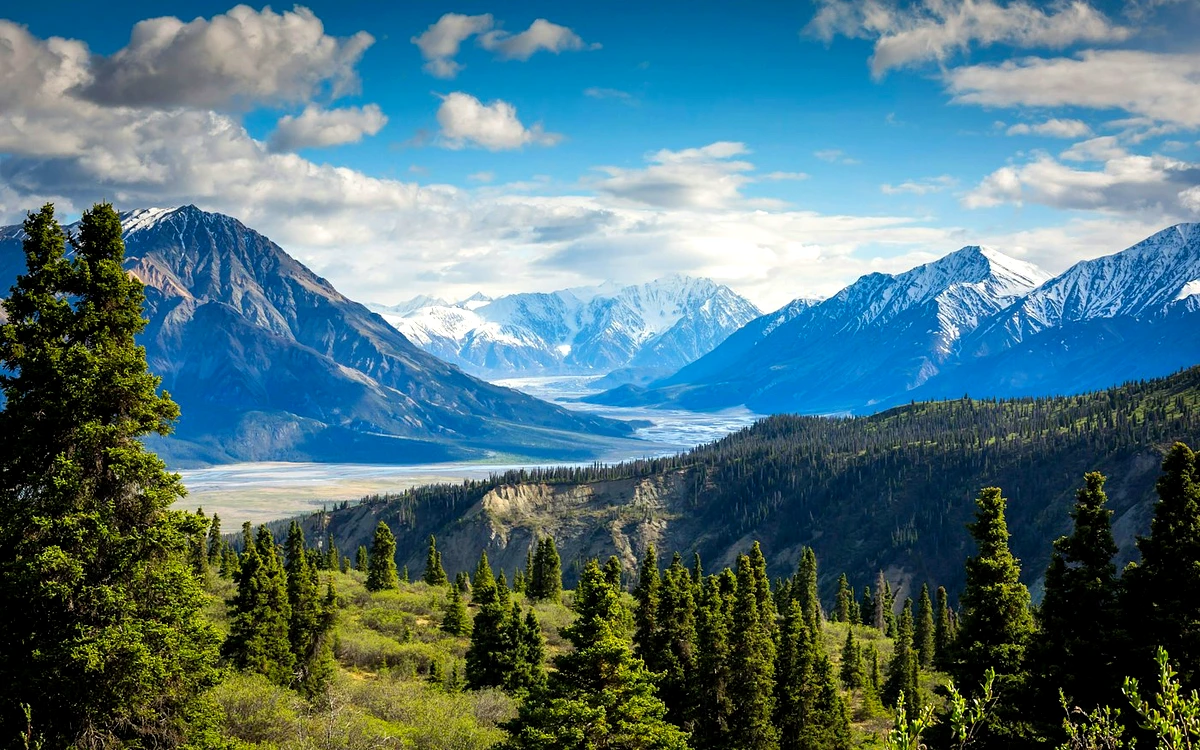
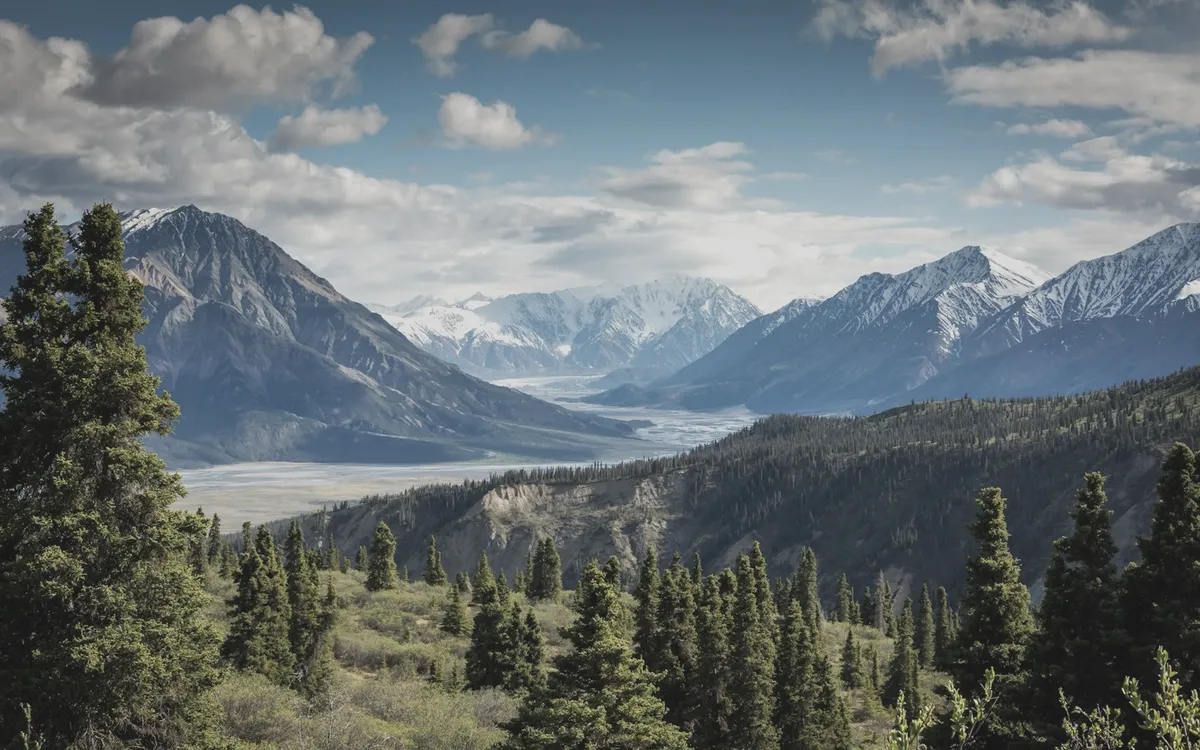
Create Your Own Photo Color Grading Comparison Slider
Have your own baseline and result photos? Drag & drop your 2 images directly into DiffSlider to generate a 60 FPS interactive before/after slider or download a vertical video for social media.
📋 Embed This Photo Color Grading Slider on Your Website
Copy and paste into WordPress, Shopify, Webflow, Squarespace, or custom HTML.
How to Create a Photo Color Grading Comparison with DiffSlider
Create your own interactive 60 FPS before-and-after slider in under 60 seconds. Export high-definition vertical MP4 videos for TikTok and Instagram Reels, or embed responsive widgets directly on your website.
Upload Before & After Photos
Drag & drop your baseline photo (Flat Camera RAW) and result photo (Cinematic Color Grade) into DiffSlider. Supports PNG, JPG, WebP, and AVIF up to 32MB each.
Inspect with 1600% Sub-Pixel Zoom
Drag the 60 FPS divider to evaluate changes. Switch effortlessly between Split Slider, Side-by-Side, Fade Overlay, and Difference Map modes.
Export 60fps Video or Embed
Generate a smooth 60 FPS MP4 video ready for TikTok, Instagram Reels, YouTube Shorts, or Reddit in 1 click. Or copy the 1-line responsive iframe for your CMS.
Ready to create your photo color grading comparison?
100% Free · No sign-up required · Works in any modern browser
Demonstrating dynamic range recovery and color science mastery
Photographers and retouchers know that non-creatives often view unedited RAW photos as dull or defective. An interactive slider instantly bridges this gap, showcasing how shadow recovery, color harmonies, and highlight rolloff create emotional depth.
Portfolios featuring interactive sliders keep prospective commercial clients engaged 3x longer than static image grids.
Color management and profile preservation
Export images in sRGB color space with embedded ICC profiles for consistent cross-browser color rendering.
Ensure identical exposure baseline across exports to prevent false perceptual contrast.
Clinical & Photography Pro Tips
- Inspect cloud highlight recovery by zooming into bright sunset areas.
- Use the Difference view to analyze color LUT luminance shifts.
Frequently Asked Questions
Are color profiles preserved when uploading to DiffSlider?
Yes, sRGB color spaces are maintained without aggressive color re-compression.
Can I export a video of the color grade transition?
Yes, generate a 60fps MP4 sweep video to post on Instagram Reels or Behance.
Found this Photo Color Grading comparison useful?
Share this interactive slider or 60 FPS video with colleagues, followers, or clients across social media.
Related photography & comparison guides
View all guides →Explore other industry applications
All 10+ use cases →Looking for alternatives to legacy comparison tools?
See how DiffSlider compares against legacy tools like imgsli · JuxtaposeJS · imgico · TwentyTwenty · Diffchecker Images