GTA 6 Ray Tracing & Dynamic Water Reflections Slider
Scrub through 4K captures of Vice Beach water caustics, neon puddle reflections, and Ocean Drive architecture. Compare legacy Screen-Space Reflections (SSR) with GTA 6 hardware ray-traced global illumination.
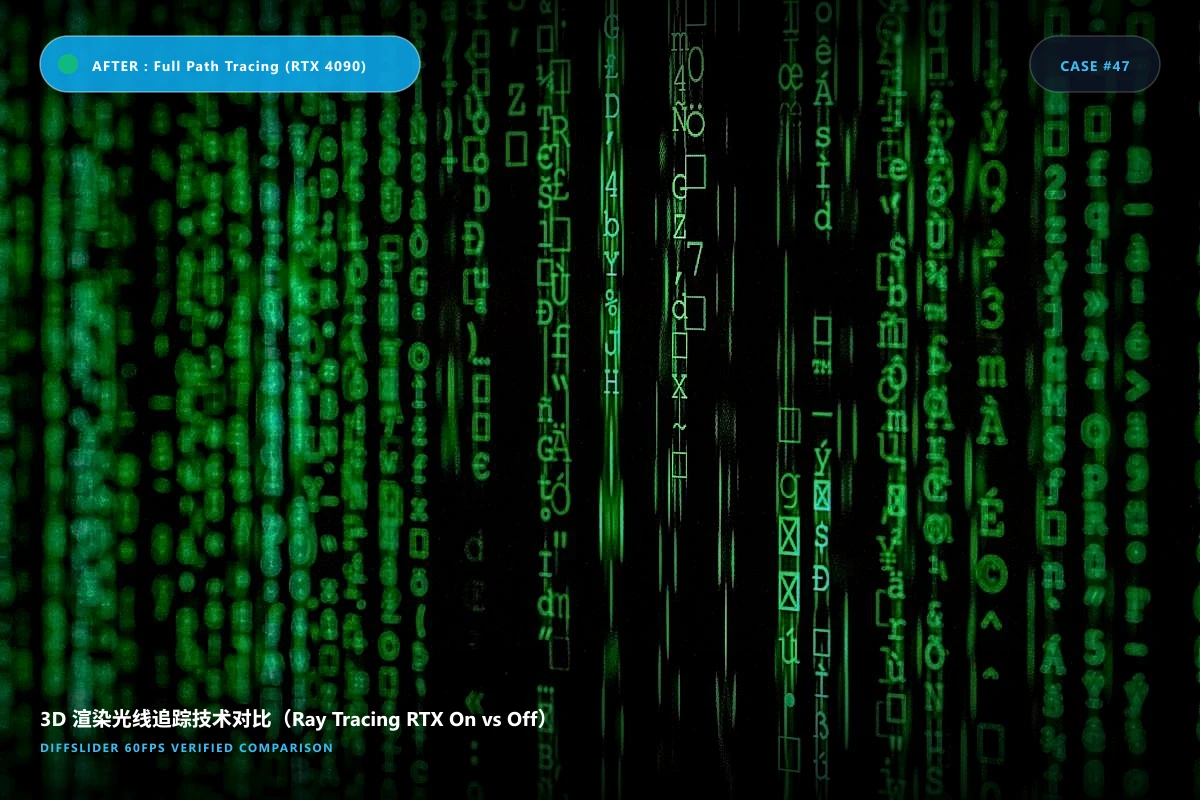
Create Your Own GTA 6 Ray Tracing & Water Comparison Slider
Have your own baseline and result photos? Drag & drop your 2 images directly into DiffSlider to generate a 60 FPS interactive before/after slider or download a vertical video for social media.
📋 Embed This GTA 6 Ray Tracing & Water Slider on Your Website
Copy and paste into WordPress, Shopify, Webflow, Squarespace, or custom HTML.
How to Create a GTA 6 Ray Tracing & Water Comparison with DiffSlider
Create your own interactive 60 FPS before-and-after slider in under 60 seconds. Export high-definition vertical MP4 videos for TikTok and Instagram Reels, or embed responsive widgets directly on your website.
Upload Before & After Photos
Drag & drop your baseline photo (Screen-Space Reflections (SSR)) and result photo (Hardware Ray-Traced GI & Water) into DiffSlider. Supports PNG, JPG, WebP, and AVIF up to 32MB each.
Inspect with 1600% Sub-Pixel Zoom
Drag the 60 FPS divider to evaluate changes. Switch effortlessly between Split Slider, Side-by-Side, Fade Overlay, and Difference Map modes.
Export 60fps Video or Embed
Generate a smooth 60 FPS MP4 video ready for TikTok, Instagram Reels, YouTube Shorts, or Reddit in 1 click. Or copy the 1-line responsive iframe for your CMS.
🎯 Alignment Checklist for GTA 6 Ray Tracing & Water
- ✓ Capture screenshots at identical in-game night clock times (e.g. 23:00) with active neon street signs.
- ✓ Position the camera over a reflective puddle or water surface to examine off-screen bounce reflections.
- ✓ Ensure motion blur is disabled during screen capture for clean texel comparisons.
Ready to create your gta 6 ray tracing & water comparison?
100% Free · No sign-up required · Works in any modern browser
Screen-Space Limitations vs Hardware Ray-Traced Realism
Prior generations of open-world games relied on Screen-Space Reflections (SSR). The major flaw of SSR is that reflections disappear the moment the reflected object moves outside the camera viewport or is occluded by the player character.
GTA 6 leverages hardware-accelerated BVH ray tracing to cast rays into off-screen world geometry. Tall art-deco hotels on Ocean Drive remain perfectly reflected in wet streets and swimming pools even when the player aims the camera straight down at the asphalt.
Dynamic Multi-Bounce Indirect Lighting & Neon Color Bleeding
Vice City's famous neon nightlife benefits dramatically from ray-traced Global Illumination (RTGI). Instead of flat ambient lighting, vibrant pink and cyan neon tubes cast colored photons that bounce off stucco walls, palm fronds, and pedestrian clothing.
This creates realistic contact shadows (ambient occlusion) in doorway crevices, under parked muscle cars, and beneath boat hulls in the Biscayne Bay marina.
Clinical & Photography Pro Tips
- Look at puddle borders: note how ray tracing creates sharp contact shadows near wheels and soft penumbra shadows further away.
- Switch to Difference View mode to highlight the exact bounce-light radiance added by ray tracing.
- Embed into gaming benchmark articles using the 1-line responsive iframe.
Frequently Asked Questions
Will GTA 6 run at 60 FPS with ray tracing on consoles?
Console hardware typically employs dynamic resolution scaling and hybrid ray tracing (RT shadows + RT reflections) to balance visual fidelity with stable frame rate delivery.
Can I upload my own graphics comparison captures?
Yes, DiffSlider is 100% free and open. Simply drag and drop any two PNG/JPG/WebP screenshots into the upload tool.
Found this GTA 6 Ray Tracing & Water comparison useful?
Share this interactive slider or 60 FPS video with colleagues, followers, or clients across social media.
Related photography & comparison guides
View all guides →More Gaming & Tech use cases
Explore other industry applications
All 10+ use cases →Looking for alternatives to legacy comparison tools?
See how DiffSlider compares against legacy tools like imgsli · JuxtaposeJS · imgico · TwentyTwenty · Diffchecker Images