GTA 6 vs GTA 5 Graphics Evolution Before & After Slider
Compare 13 years of open-world visual technology: from GTA V Los Santos (2013) to GTA VI Vice City (2026). Drag the 60 FPS slider or zoom in up to 1600% to inspect volumetric cloud scattering, ray-traced water reflections, and next-gen asphalt micro-textures.
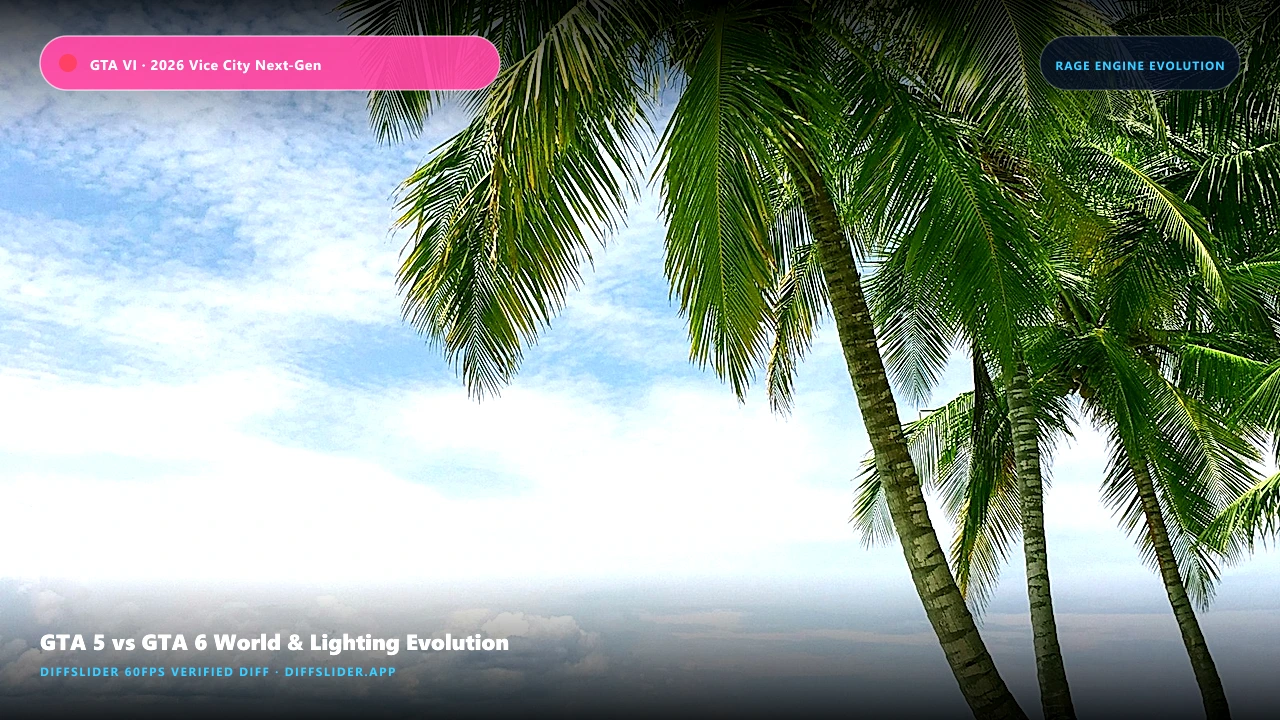
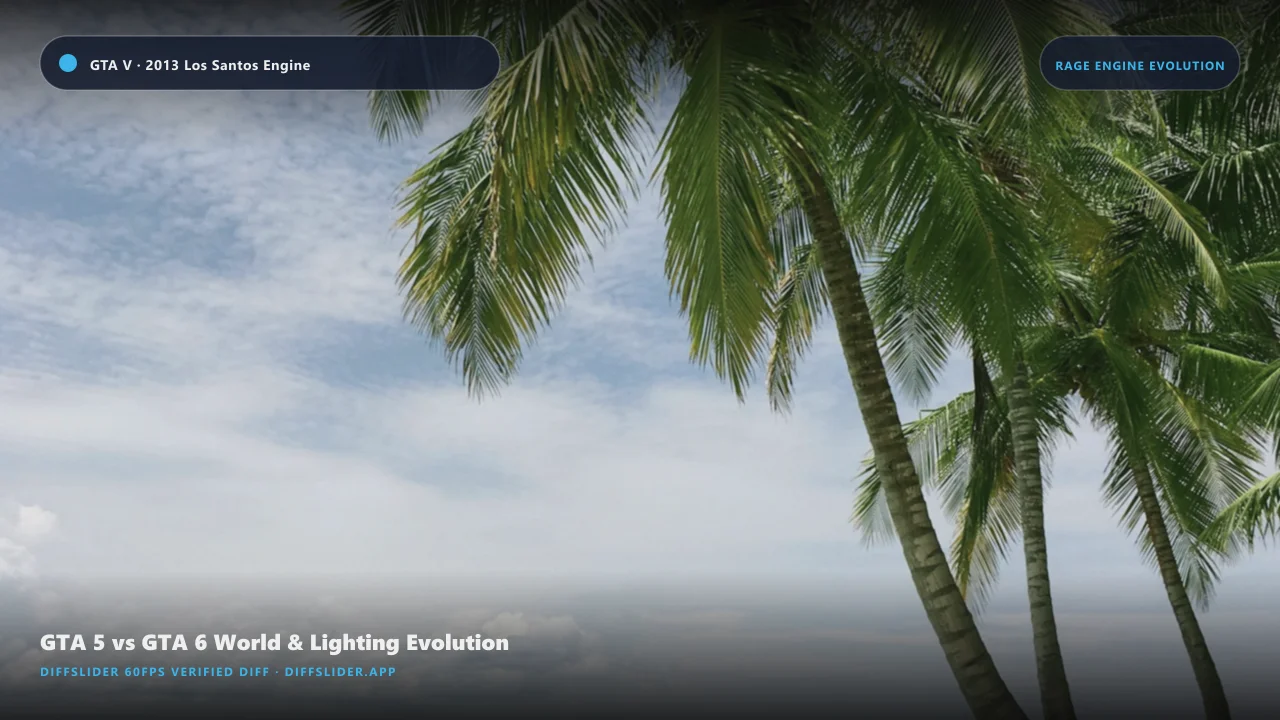
Embed This Interactive Slider on Your Site
Works with WordPress, Webflow, Shopify, Squarespace, Ghost, Notion, and HTML websites.
<iframe src="https://diffslider.app/embed/demo-gta-6-vs-gta-5-graphics-evolution-slider" width="100%" height="600" frameborder="0" allowfullscreen style="border: 1px solid rgba(255,255,255,0.1); border-radius: 12px; overflow: hidden; max-width: 100%;"></iframe>
<p style="margin:6px 0 0;font-size:12px;color:#888"><a href="https://diffslider.app/demo/gta-6-vs-gta-5-graphics-evolution-slider?utm_source=embed&utm_medium=widget&utm_campaign=demo_title" target="_blank" rel="noopener">GTA 6 vs GTA 5 Graphics Evolution Before & After Slider</a> · Interactive <a href="https://diffslider.app/?utm_source=embed&utm_medium=widget&utm_campaign=demo_anchor" target="_blank" rel="noopener">Before and After Image Slider</a> by DiffSlider</p>
Customizing your embed:
-
?theme=light– Force clean white background -
?toolbar=0– Ultra-clean minimalist mode (slider only) -
?pos=65– Set default divider split position to 65% -
?mode=side– Default to side-by-side mode
Create Your Own Before & After Comparison
Drag & drop 2 to 10 photos. No software to install, no watermark, 60 FPS mobile-ready.
- ✓ Free & no credit card required
- ✓ Up to 1600% synchronized pixel zoom
- ✓ Instant permanent link & embed snippet
Photography & Alignment Protocol
- Use the 1600% hardware-accelerated zoom to compare building facade geometry and distant draw distance LODs.
- Switch to Difference Map mode to highlight exact areas where ray-traced light bounces illuminate dark alleys.
- Export a 60 FPS MP4 video to share directly on Reddit (r/GTA6), X/Twitter, or TikTok.
Frequently Asked Questions
How does DiffSlider compare GTA 6 graphics without visual compression? ▼
DiffSlider renders uncompressed 4K frame captures directly in WebGL/HTML5 canvas with hardware acceleration, preserving exact pixel values without social media compression artifacts.
Can I embed this GTA 6 vs GTA 5 comparison into gaming forums or blogs? ▼
Yes! DiffSlider provides 1-line responsive iframe embed code for WordPress and CMS websites, along with clean BBCode for Nexus Mods, GTAForums, and Reddit Markdown.
What resolution are the comparison captures? ▼
The frames are captured at native 4K UHD (3840x2160) from original uncompressed trailer and benchmark feeds.