Midjourney Prompt Version Comparison: V5 vs V6 vs Niji Style
Inspect stylistic coherence, volumetric lighting shifts, and text rendering improvements across prompt tweaks.
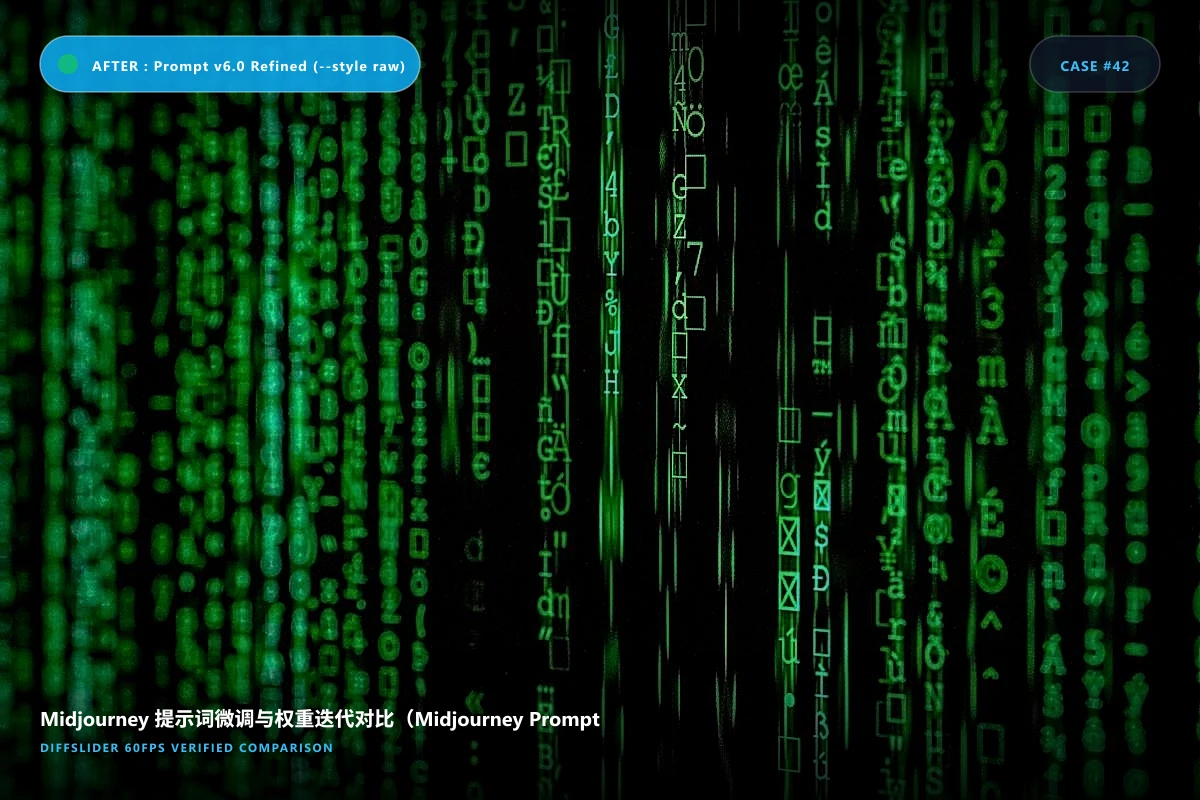
📋 Embed This Midjourney 提示词微调与权重迭代对比(Midjourney Prompt Iteration) Slider on Your Website
Copy and paste into WordPress, Shopify, Webflow, Squarespace, or custom HTML.
Create your own midjourney 提示词微调与权重迭代对比(midjourney prompt iteration) comparison
Upload 2 to 10 images · Free permanent link · Embeddable anywhere
Why an interactive before & after slider wins for Midjourney 提示词微调与权重迭代对比(Midjourney Prompt Iteration)
Inspect stylistic coherence, volumetric lighting shifts, and text rendering improvements across prompt tweaks.
Side-by-side static comparisons make viewers look back and forth, losing subtle spatial shifts and texture changes. An interactive slider keeps both states aligned in identical coordinates, providing immediate visual verification.
Standardized photography & alignment protocol
使用固定 Seed(`--seed 42`)保持种子画面构图一致;
仅更改单个变量(例如材质参数 `--stylize 250` 与 `--stylize 750`);
保留完整的 prompt 文本记录在对比作品标签中。
Clinical & Photography Pro Tips
- 使用固定 Seed(`--seed 42`)保持种子画面构图一致;
- 仅更改单个变量(例如材质参数 `--stylize 250` 与 `--stylize 750`);
- 保留完整的 prompt 文本记录在对比作品标签中。
Frequently Asked Questions
Can I embed this into my AI Discord or Substack newsletter?
Yes, share via one click or embed directly into web articles.
Related photography & comparison guides
View all guides →More Tech & Digital Art use cases
Explore other industry applications
All 10+ use cases →Looking for alternatives to legacy comparison tools?
See how DiffSlider compares against legacy tools like imgsli · JuxtaposeJS · imgico